Sketch to render direction
Turn hand sketches, moodboards, or rough references into clearer interior visuals.
A focused workflow course for interior designers, architects, and 3D artists who want faster design presentation while keeping layout, material direction, atmosphere, and client intent under control.
Built as a practical production workflow, not a collection of generic AI prompts.
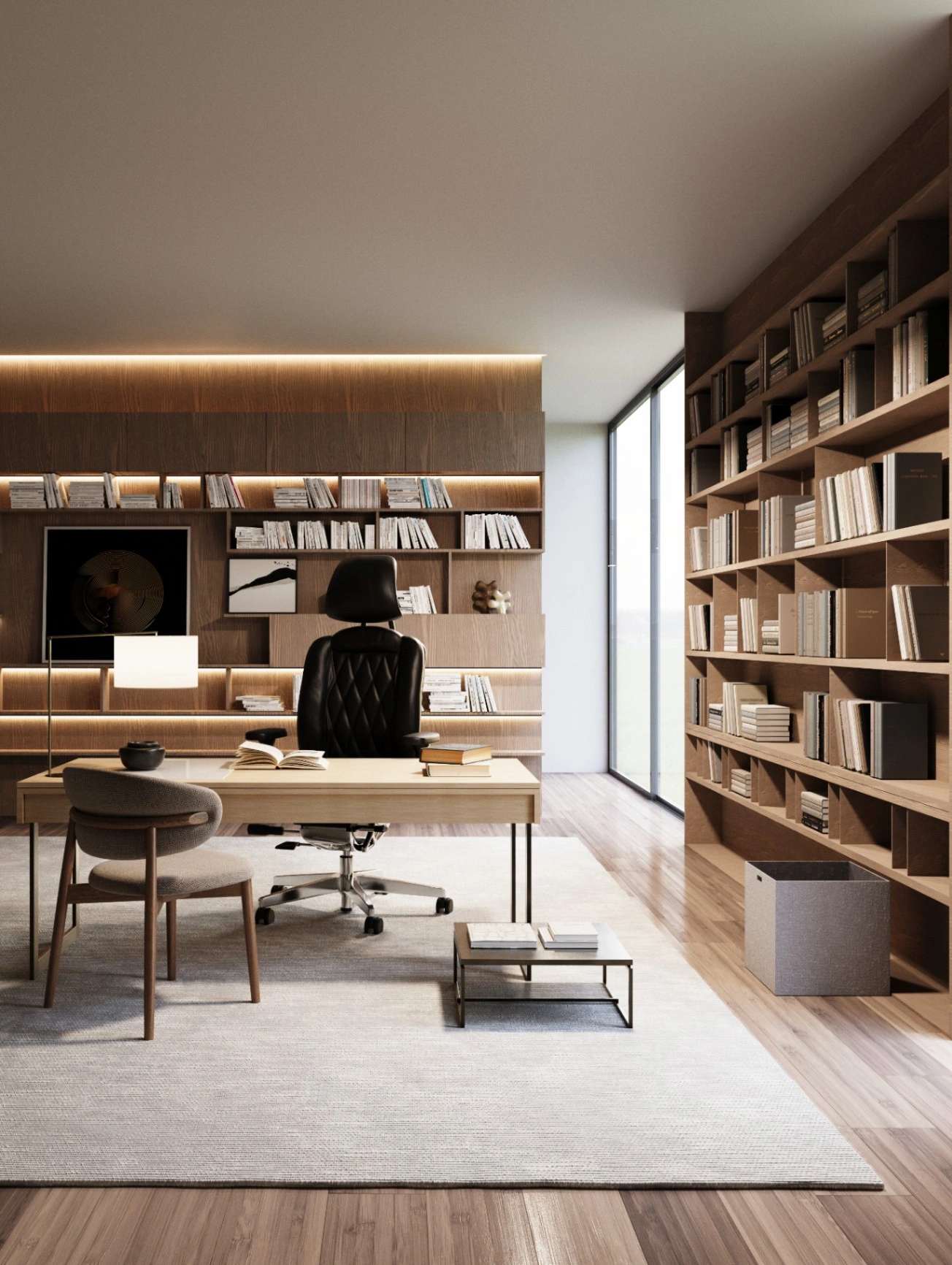

Most AI visualization tutorials stop at generating images. This course is built around the actual interior workflow: prepare the input, direct the design change, control the output, fix mistakes, maintain consistency, then deliver something useful for presentation.
It is intentionally focused on interior design scenarios: staging, furniture, lighting, material, color, renovation, people, props, and multi-view consistency.
Each outcome is designed for portfolio, design review, mood exploration, or client presentation use.
Turn hand sketches, moodboards, or rough references into clearer interior visuals.
Add furniture, styling, and spatial atmosphere without rebuilding the entire 3D scene.
Build daylight, warm evening, gallery, hospitality, or residential ambience from one base image.
Explore finishes, palettes, surface direction, and styling options while preserving the original composition.
Use an existing-space photo to produce multiple new interior design directions efficiently.
Keep style, material, mood, and visual language consistent across several viewpoints.
The page is designed to show process, not only final images. Replace these samples with your best before/after interiors when ready.

Start from a render, screenshot, sketch, or existing room photo.
Define what should change and what must stay consistent before generating.

Refine, upscale, and prepare the final visual for design communication.
Based on the course structure you provided: setup, sketch-to-render, staging, lighting, material, renovation, props, consistency, and final delivery.
Instalasi ComfyUI yang rapi dan siap digunakan untuk workflow interior dalam waktu singkat.
Ubah sketsa tangan dan moodboard menjadi visual interior yang siap dipresentasikan.
Isi ruangan kosong, ganti furniture, dan eksplorasi beberapa arah layout dengan cepat.
Bangun variasi suasana dari satu base render, dari daylight hingga evening ambience.
Eksplorasi material, finishing, dan warna tanpa perlu membangun ulang seluruh scene.
Gunakan foto ruang existing untuk menghasilkan beberapa arah desain baru secara efisien.
Tambahkan orang, props, dan detail styling untuk hasil yang lebih hidup dan meyakinkan.
Jaga konsistensi gaya, material, dan mood visual di berbagai sudut pandang.
Upscale, refine, dan siapkan output akhir agar lebih rapi untuk presentasi client.
Koleksi prompt, setting, dan model combinations yang siap dipakai untuk workflow interior.
People looking for one-click random AI art. The course is about repeatable workflow, visual direction, production control, and interior-specific decision-making.
The value is not only the video lessons. You also get the support material that makes the workflow faster to repeat on your own projects.
The course is beginner-friendly for ComfyUI, but it is still a technical workflow course.
Course videos can be watched anywhere, but workflow practice is best on a computer.
For local ComfyUI workflows. Cloud GPU can be considered if your machine is limited.
Use SketchUp, D5, Blender, Rhino, Enscape, Corona, V-Ray, screenshots, sketches, or photos.
The course teaches workflow; your taste, brief, and design intent still matter.
This version is set up as a prelaunch waitlist page. When your Mayar checkout is ready, replace the CTA link with the product checkout URL and change the button text to “Enroll Now”.
Priced below one typical revision cycle — built to help you move faster on real projects.
No subscription. No per-image credit model.
If the course is not the right fit for your workflow, contact Tatagon Lab within 7 days of purchase.
Refunds are available if less than 30% of the course has been accessed and downloadable workflow files have not been downloaded.
For payment or access issues, contact support first and we will help resolve it fairly.